Discover the best laptops for remote work in 2026, featuring top brands and reliable models.
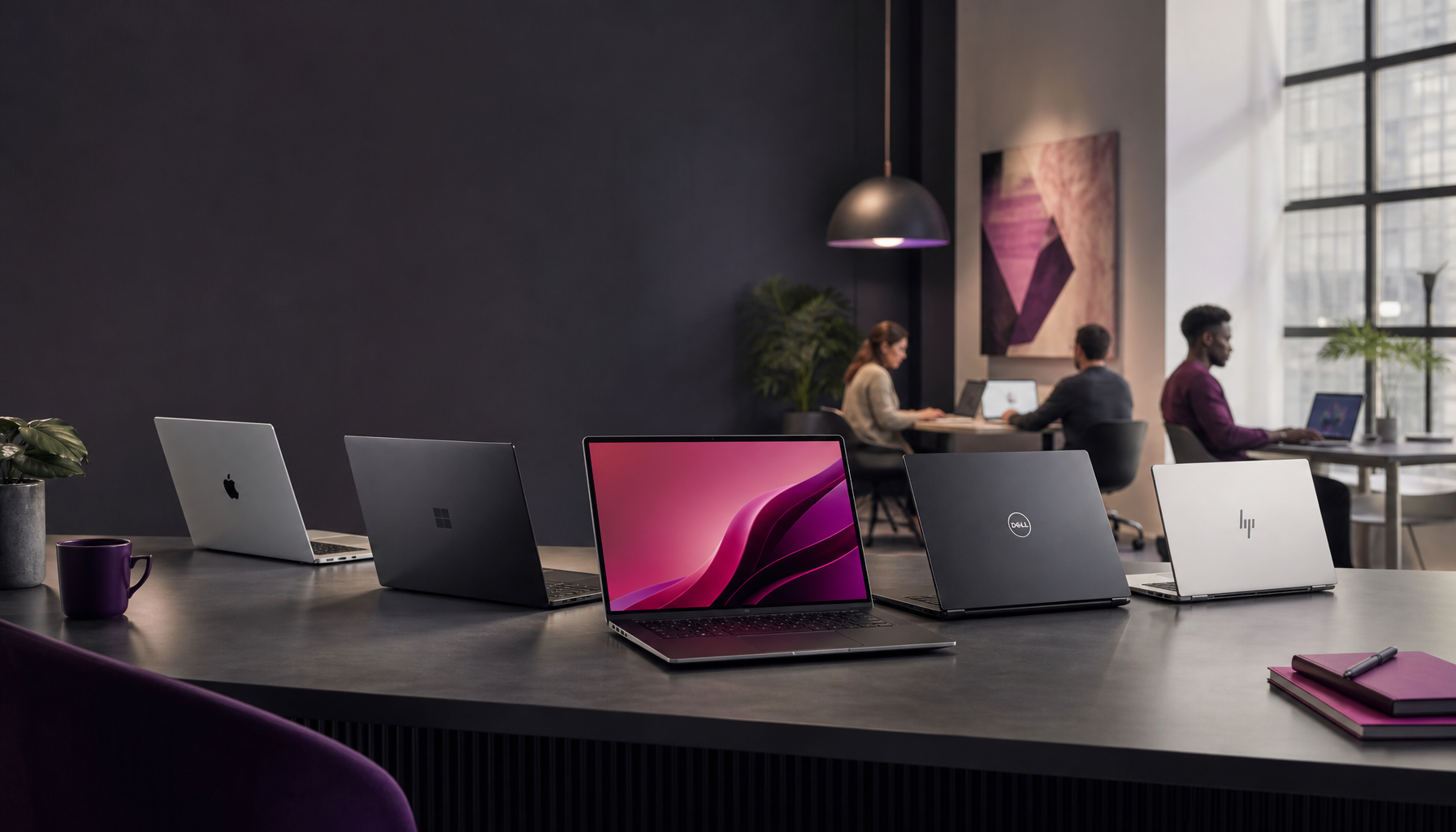
Best Laptops for Remote Work in 2026
I’m Mobeen Abdullah, and as a founder focused on open-source development and software engineering, I’ve spent years evaluating tools that enhance productivity for remote workers, business professionals, and students. I’ve bought the “perfect on paper” laptop before, then regretted it after two weeks of video calls and daily typing—so I’m picky now, especially about keyboards, thermals (fan noise), and the stuff reviewers love to skip.
Remote work has become intrinsic to how we operate daily. Whether you’re joining meetings, collaborating on projects, or managing tasks, the right laptop can make a significant difference in your efficiency and productivity. A remote-work laptop isn’t just CPU + RAM; it’s camera placement, mic quality, screen glare in daylight, and whether you can plug in a second monitor without a dongle circus.
Before we get into models, here’s a quick way I sanity-check any shortlist:
- Keyboard + trackpad: If you type for hours, this matters more than benchmark charts.
- Webcam + mics: You can’t “upgrade” these later, and bad audio kills meetings.
- Battery + charger: If it can’t survive a coffee shop session, it’s not remote-work friendly.
- Ports: One USB-C port sounds fine… until you need to charge and present and use a mouse.
Best Laptops for Personal Use in 2026
When it comes to personal laptops, the focus is typically on versatility, performance, and user experience. I also care about “grab-and-go” reality: can you toss it in a bag, open it in a cramped seat, and not hate your life?
Dell XPS 13
One standout in the personal laptop category is the Dell XPS 13. It remains a favorite due to its compact design, powerful performance, and stunning display. With options for 12th Generation Intel processors, a minimum of 16GB RAM, and up to 1TB SSD, it’s perfect for multitasking. It also boasts over 10 hours of battery life, which is essential for those working from various locations throughout the day.
What I like about the XPS line (when you get a good unit) is that it feels like a “real tool.” The chassis is tight, it travels well, and it doesn’t scream gamer laptop in a client meeting. That said, I’ve seen people buy a thin-and-light and then get surprised by heat and fan noise during long calls—especially if you’re screen-sharing while running a bunch of browser tabs. So, if you live in Zoom/Meet all day, I’d prioritize the configuration that stays cool under sustained load, not just the highest spec.
A small workflow tip: if you’re the type who docks at home, test your monitor setup early. I’ve watched a teammate burn two weeks blaming their monitor when it was actually a flaky USB-C adapter. Remote work is full of dumb little friction points like that.
For more on personal laptops, check out The Independent’s 2026 reviews.
MacBook Air M5
The MacBook Air M5 is another top contender, especially for creatives. It features Apple’s latest M5 chip and is highly praised for its exceptional battery life, often exceeding 15 hours, making it suitable for long work sessions. Its lightweight design and retina display make it attractive for those who need portability without sacrificing performance.
If your remote work includes design tools, video editing, or you just like a machine that doesn’t turn into a space heater, this is the classic “calm laptop” choice. The big win is consistency: you unplug, you work, and you stop thinking about your battery percentage every 30 minutes.
But I’ll be blunt about the tradeoff: macOS is incredible for many workflows, yet it can be annoying if your company lives in Windows-only tooling, legacy VPN clients, or you rely on niche hardware drivers. I’ve seen folks buy a MacBook for the battery, then spend months fighting one corporate requirement. If you’re in that boat, confirm your must-have apps first.
Best Laptops for Business and Personal Use
For business applications, reliability and performance take precedence. I also put “supportability” in this bucket: the laptop you can get repaired quickly beats the exotic model nobody stocks parts for.
Lenovo ThinkPad X1 Carbon Gen 10
The Lenovo ThinkPad X1 Carbon Gen 10 is a robust choice for professionals. Known for its durability and strong security features, it offers a long battery life and a comfortable keyboard, which is crucial for those who engage in extensive typing. With options for up to 32GB RAM and a high-resolution display, it balances performance with portability well.
ThinkPads earn their reputation the boring way—by surviving real work. If you write proposals, do lots of email, live in spreadsheets, or code for hours, the keyboard feel is a serious advantage. I’m biased toward machines that don’t fight you, and the X1 Carbon tends to stay out of the way.
A quick real-world story: I once helped a contractor who kept missing client call notes because their keyboard layout drove them nuts (tiny arrow keys, awkward page navigation). They thought they needed more CPU. They didn’t. They needed a keyboard they could use at speed. That’s the kind of “business laptop” detail that actually moves the needle.
You can learn more about this model and others at RTINGS’ comprehensive reviews.
HP OmniBook 5
For the budget-conscious professional, the HP OmniBook 5 is an excellent option. It provides solid performance with an Intel i5 processor, 16GB RAM, and a 512GB SSD, all at a competitive price point. It’s designed for efficiency, making it a great fit for remote teams and individual business owners alike.
Here’s what I like about sensible budget business laptops: you can spec them “good enough,” then spend the saved money on the stuff that upgrades your whole workflow—an external monitor, a decent webcam light, or a comfortable chair. Those upgrades pay rent every single day.
The common mistake I see is going cheap on RAM or storage, then wondering why everything stutters six months later. That’s why 16GB RAM and an SSD (like 512GB) are the floor I’d aim for if you multitask at all. A remote day is never “one app at a time,” and your laptop shouldn’t pretend it is.
Check out more budget-friendly options at CNET’s latest picks.
Top 10 Laptops for 2026
Here’s a curated list of the top 10 laptops for 2026 that cater to different needs and budgets:
- Dell XPS 13 – Best for Personal Use
- Apple MacBook Air M5 – Best for Creatives
- Lenovo ThinkPad X1 Carbon Gen 10 – Best for Business
- HP OmniBook 5 – Best Budget Choice
- Asus ZenBook 14 – Best Ultraportable
- Microsoft Surface Laptop 5 – Best for Students
- Acer Swift 5 – Best Performance for Price
- Razer Blade Stealth 13 – Best Gaming Ultrabook
- HP Spectre x360 – Best 2-in-1 Option
- Lenovo Yoga 7i – Best Value Convertible
These models represent a blend of performance, reliability, and versatility—essential factors for a successful remote work setup.
If you’re trying to pick from a list like this without overthinking it, I’d do it like this:
- You move around a lot (coffee shops, coworking, travel): prioritize weight, battery, and screen brightness.
- You present constantly (sales, consulting, teaching): prioritize webcam/mics and port flexibility for projectors/HDMI situations.
- You build things (dev, design, video): prioritize sustained performance and enough RAM so the machine doesn’t choke mid-flow.
Also, don’t ignore ergonomics. If you’re remote, you’ll end up typing more than you think—chat, docs, tickets, notes, DMs. A good keyboard isn’t a luxury; it’s injury prevention.
Budget Laptops for 2026
If you’re on a budget, you don’t have to compromise on quality. 2026 offers plenty of affordable options, but you do need to shop with your eyes open.
- Acer Chromebook Plus 514 – Ideal for basic tasks and students, it’s light on the wallet and offers excellent battery life.
- ASUS VivoBook 15 – A powerful yet affordable Windows laptop with a decent performance for everyday tasks.
Here’s the part people gloss over: “budget” is only cheap if it doesn’t waste your time. If your laptop freezes during calls or takes forever to wake, you’ll pay in frustration. So, match the machine to the job.
Chromebooks can be great for docs, email, and browser-based work. But if your remote setup depends on specific desktop apps, local development, or heavier multitasking, you might outgrow ChromeOS quickly. Meanwhile, a budget Windows laptop can cover more scenarios, yet it can also come with bloatware and questionable build quality. If you buy one, spend the first hour uninstalling junk and running updates—do it before you depend on it.
For detailed insights into the best budget laptops available, refer to CNN Underscored’s reviews.
FAQs about Laptops in 2026
Q: Which generation of laptop is best in 2026?
A: The 12th generation Intel and AMD Ryzen processors offer the best performance in 2026.
One practical angle: look for performance that stays stable on battery. Some laptops feel fast plugged in, then throttle hard when unplugged. If you’re remote, you’re unplugged more than you expect.
Q: What is the most reliable laptop brand in 2026?
A: Brands like Dell, Apple, and Lenovo are consistently rated high for reliability.
Reliability also includes service experience. If you’re buying for work, check warranty options and turnaround times in your region. A “reliable” laptop that takes three weeks to repair can still wreck your month.
Q: How much RAM should a laptop have in 2026?
A: A minimum of 16GB RAM is recommended for a smooth multitasking experience.
I’d keep it simple: if you run video calls + browser tabs + Office apps, 16GB RAM is the baseline. If you code, run Docker, edit media, or keep everything open all day, you’ll appreciate more.
Q: What is the best overall laptop to buy right now?
A: The Dell XPS 13 is frequently recommended as a top choice for overall performance.
It’s a strong default because it balances portability and power without getting weird. Still, if you’re deep in the Apple ecosystem or you type for a living, you might land elsewhere—and that’s fine.
A Bit About My Background
I’m Mobeen Abdullah, a founder with extensive experience in open-source development and a strong focus on improving developer productivity. Over the years, I have evaluated numerous technologies and tools to help remote workers, students, and professionals maximize their efficiency.
The biggest lesson I’ve learned is boring: your laptop choice should reduce friction, not add new problems. That means you should think beyond the spec sheet. Plan for your peripherals, your typical day of apps, and where you’ll work (desk, couch, travel).
If you’re stuck between two options, do this next: list your top three pain points—battery, portability, screen size, typing comfort, compatibility—then pick the laptop that removes the most pain. You’ll feel it on day one.
Leave a Reply