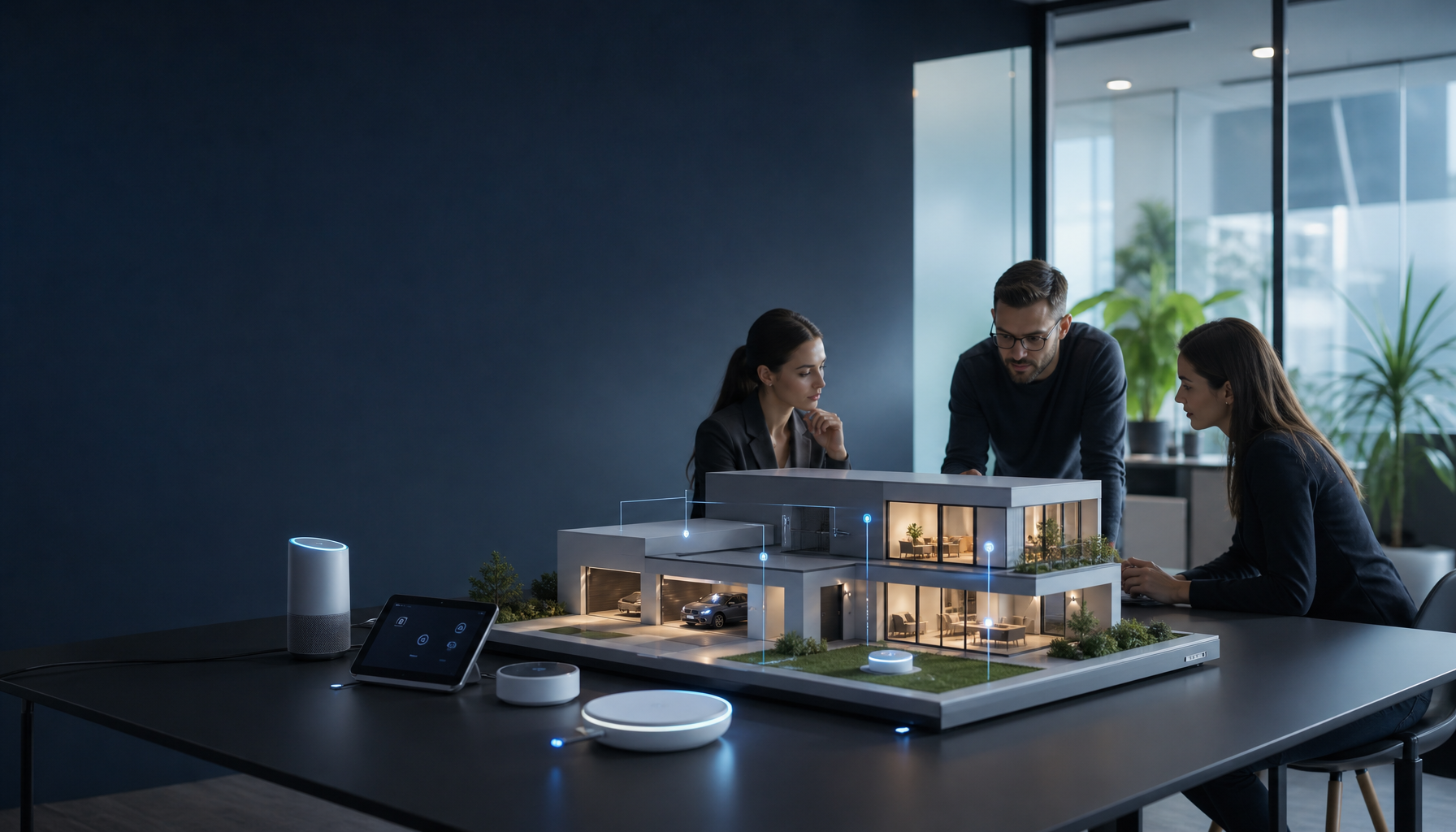
Explore key terms and concepts related to smart home technology in 2026, enhancing your understanding of modern IoT and automation.
Understanding the Concept of Category
Categories are how you keep a smart home from turning into a junk drawer. In smart homes, a category is a practical bucket—devices, systems, or functions that share a job, a set of sensors, or a control style. Because there are thousands of products, categories help you compare “like for like” instead of getting distracted by shiny features.
Category Meaning
The category meaning in smart home tech usually comes down to what the device does and where it sits in the system. For example, a smart lock and a smart bulb both connect to your network, but they live in totally different risk zones and failure modes.
Here’s how I think about it when I’m planning a setup:
– Control surface: app-only, voice, wall switch, automations, or all of the above.
– Dependencies: does it require a hub, cloud account, or a specific ecosystem?
– Blast radius: if it fails, do you lose mood lighting… or the ability to get in the front door?
That last point matters. People often lump everything into “home automation,” but, in reality, lighting is forgiving while security is not.
Category Examples
To make the category idea concrete, here are a few common smart home categories—and what typically lives inside them.
- Smart Lighting: smart bulbs, smart dimmers, smart switches, LED strips, occupancy sensors. This category is where most people start because the payoff is immediate and the downside is usually minor (worst case, you flip a dumb switch).
- Security Systems: cameras, video doorbells, contact sensors, motion sensors, sirens, smart locks. This category tends to be more sensitive to Wi‑Fi dead zones and battery maintenance, so you plan coverage first, then buy.
- Climate Control: smart thermostats, vents, air quality sensors, HVAC integrations. Done right, it saves energy; done wrong, it creates comfort complaints (“Why is my bedroom freezing at 2 a.m.?”).
A quick real example: I once watched a neighbor buy four different “security” devices that didn’t share a category inside the same ecosystem. Result: four apps, four notification styles, and zero confidence when something actually happened.
What Is the Meaning of Category Type?
Category type is the sub-bucket that helps you narrow options inside a category. In smart homes, this often looks like:
- Device types: sensors vs actuators (a sensor detects; an actuator does something).
- System roles: controller/hub, endpoint device, or bridge.
- Function types: security, energy management, health monitoring, entertainment.
So, for example, “security” is a category, while “entry sensor” and “smart lock” are category types. Since these types behave differently, you’ll install them differently too—entry sensors want clean door alignment, while locks need stable power and a solid radio link.
Examples and Usage of Category
If you can say the category out loud, you can usually design the automation without guessing. That’s the real win.
Here are a few realistic ways categories show up when you’re planning or troubleshooting:
– “The smart lighting category is easy to automate, but only if the wall switch still has power to the bulbs.”
– “In the security category, I’m choosing fewer devices with better placement, because false alerts train you to ignore notifications.”
– “For the automation category, I’m starting with one routine that saves friction every day—then I’ll add more.”
A simple step-by-step I use when someone asks, “What should I buy first?”
1. Pick one category with a clear goal (lighting comfort, basic security, energy savings).
2. List the category types you actually need (for security: door sensor + camera is often enough to start).
3. Confirm dependencies (hub, subscription, or cloud requirement) before checkout.
4. Only then compare brands and features.
Common mistake: people shop by “Top Rated” without realizing they’re mixing categories and ecosystems, then they blame the tech when the real issue is the plan.
Smart Home Technology Meaning
Smart home technology meaning is broader than “things on Wi‑Fi.” It’s the combination of connected devices, software, and rules that let your home sense what’s happening and respond in a useful way.
In practice, a smart home includes:
– Smart Devices: bulbs, thermostats, sensors, locks, cameras—endpoints that either collect data or take action.
– Automation: schedules, routines, scenes, and event-based triggers that reduce manual taps.
– IoT Integration: the connectivity and data exchange that lets devices coordinate rather than operate as islands.
The market growth is a big reason you’re seeing more options (and more jargon). With projections indicating that the smart home market will reach $180.12 billion by 2026 (Fortune Business Insights), it’s not a niche anymore—it’s a mainstream buying decision.
One grounded way to test whether something is truly “smart”: if the internet goes out, does the home still behave safely and predictably? If the answer is no, I treat that device as convenience-only, not core infrastructure.
Understanding IoT in Smart Homes
The Internet of Things (IoT) is the underlying idea that everyday devices can connect, share data, and be managed over a network. In smart homes, IoT is why a motion sensor can tell a light to turn on, or a door lock can notify you when a kid gets home.
What IoT looks like at home
You’ll see IoT show up as:
– Smart Thermostats: adjust heating/cooling based on schedules, geofencing, or learned patterns.
– Smart Lights: change brightness/color remotely, and slot into scenes like “Movie time.”
– Security Cameras: stream live video and send alerts when they detect motion.
But IoT isn’t magic—it’s networking plus software. So, because everything depends on connectivity, your router and Wi‑Fi layout quietly become part of your smart home “stack.”
A quick checklist before you add devices
If you want fewer headaches, do this first:
1. Walk your house and note dead zones (phone Wi‑Fi dropping is a clue).
2. Put cameras and doorbells on the best signal, not the edge of coverage.
3. Separate “nice to have” devices from “must work” devices.
A mistake I see a lot: people buy an IoT camera, mount it outside, then realize the metal door frame and brick kill the signal. The device wasn’t bad; the placement was.
Automation in Smart Homes
Automation is where smart homes either become delightful or unbearably annoying. Good automation removes repeated decisions. Bad automation creates surprises.
Three automation building blocks
Most automations fall into a few patterns:
– Scheduling: “At 10:30 p.m., turn off downstairs lights.” Simple, reliable.
– Triggers: “If motion is detected, turn on the hallway light.” Great when tuned.
– Remote Control: phone app or voice commands when you’re away.
Because triggers can misfire, I usually start with schedules and scenes, then layer sensors once the household trusts the system.
A step-by-step automation I actually recommend
If you want one automation that earns its keep, try a night routine:
1. Create a scene: lock doors, turn off main lights, dim bedroom lights to 20%.
2. Add a schedule: run at a time you’re usually winding down.
3. Add one safety condition: only run if someone is home.
4. Test for a week, then tweak brightness/timing.
Common mistakes:
– Over-automating day one, then spending weekends debugging.
– Using motion sensors where stillness is normal (couches, desks), which leads to lights going out at the worst time.
– Forgetting manual overrides—if a wall switch kills power to smart bulbs, automations “fail” even though the system is fine.
Conclusion
If you take one thing into 2026, make it this: smart home terms aren’t trivia—they’re how you avoid buying a pile of incompatible gear.
Here’s a practical next step I give people (and it’s boring on purpose). Pick one category to improve this month, then write a tiny plan on a note:
1) What’s the goal? (“Stop fumbling for lights at night.” “Know when the front door opens.”)
2) Which category types do you need? (lighting: switch + sensor; security: contact sensor + camera)
3) What dependencies are acceptable? (hub, subscription, cloud-only)
4) What happens when Wi‑Fi is down—does it fail safe?
A real scenario: a friend of mine installed a smart lock first because it felt “high impact.” But since their Wi‑Fi was weak at the door, the lock lagged and they started carrying keys again. We moved the router, added a mesh node, and suddenly the whole security category became reliable.
If you want a plain-English baseline for what counts as a smart home, start with What is a Smart Home?. Then sanity-check your expectations against bigger market trends like Smart Home Statistics and Facts (2026). Finally, when you’re ready to spec features (not just devices), skim 5 Must-Have Features for a Smart Home in 2026—and keep your categories tight so the system stays livable.
Leave a Reply